Tools
Tools extend what agents can do — call APIs, run custom Python, or trigger subflows. Agentok Studio includes a visual tool editor and a management page for reuse across workflows.
Tool editor
Create tools from Tools in the sidebar. The editor lets you define:
- Name and description — what the LLM sees when deciding whether to call the tool
- Parameters — typed inputs the agent must supply
- Implementation — Python code that runs when the tool is invoked
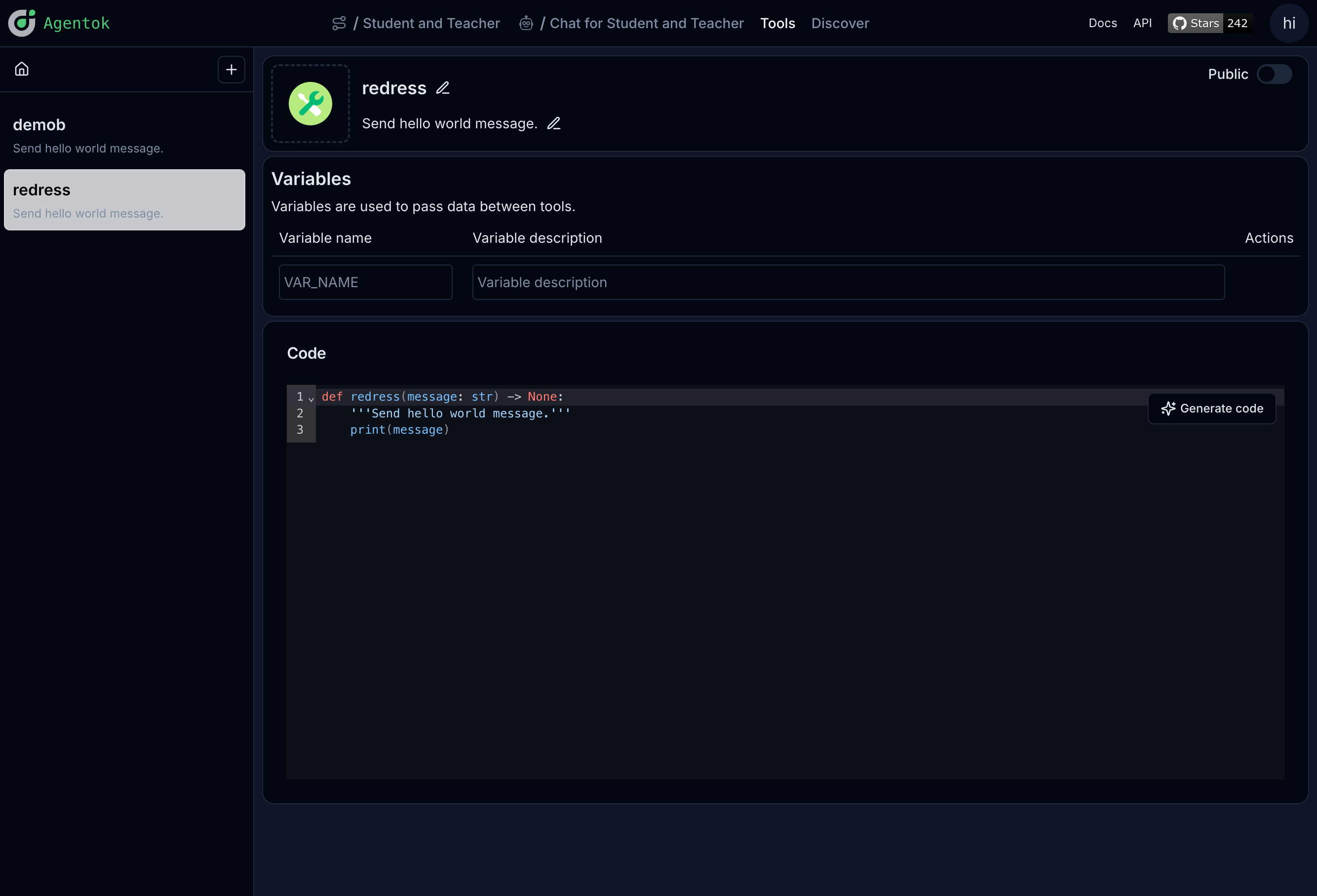
Variables
Tools can declare variables — values you configure per workflow or per deployment instead of hard-coding in the tool body.
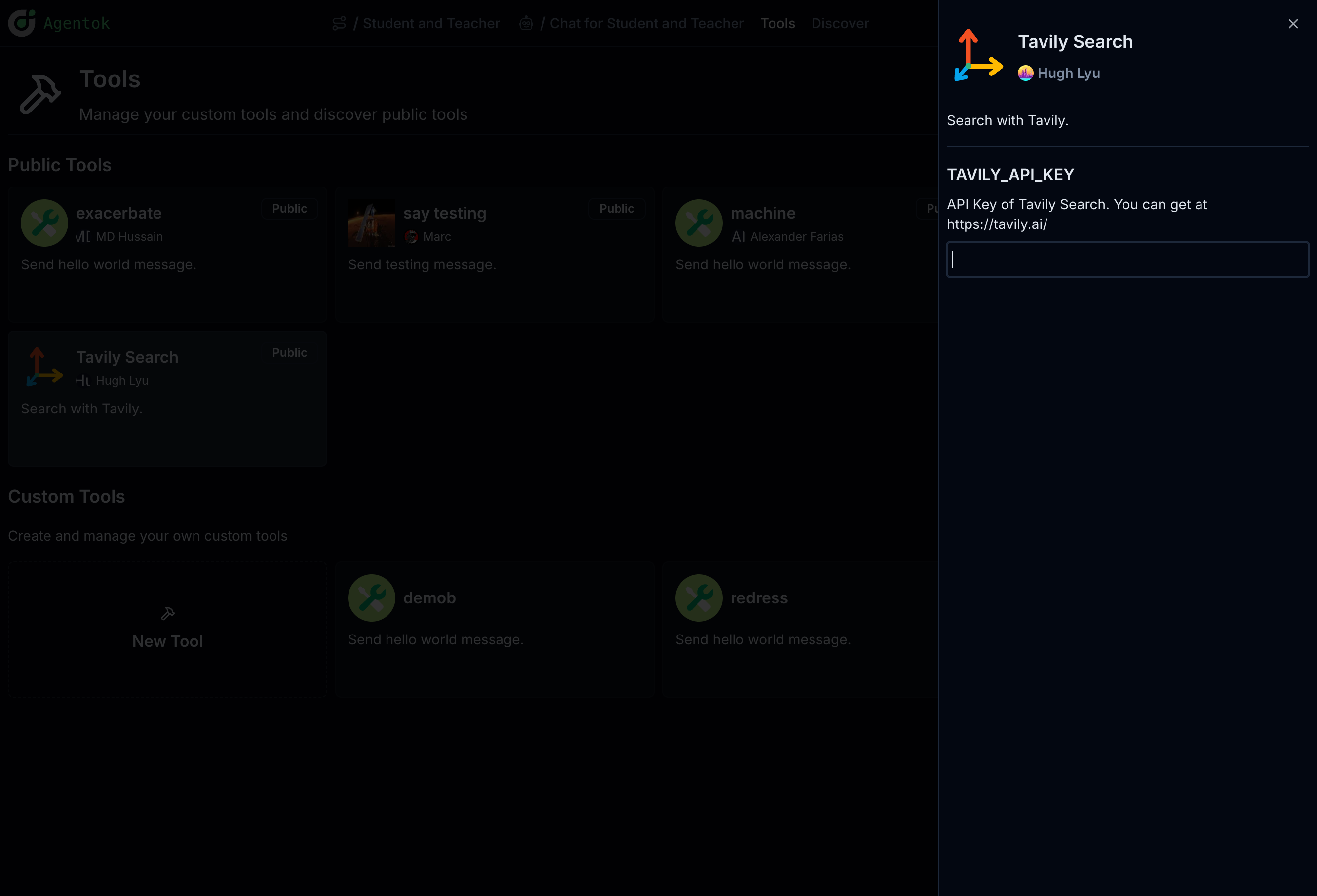
Use variables for API keys, endpoints, or behavior toggles that should differ between environments.
Attaching tools to workflows
After creating a tool:
- Open a workflow on the canvas.
- Select the edge between the agent that speaks and the agent that should execute the tool.
- Add the tool from the edge property panel.
The agent will see the tool in its available function list during chat.
Public tools
Tools can be marked public so other users can discover and reuse them. Manage your tools from the Tools page and attach them to any project you own.
Next: Code & Debugging
Last updated on