Code & Debugging
Agentok Studio is a diagram-based code generator for AG2. Everything on the canvas maps to Python you can inspect, copy, and run outside the studio.
Generated Python
Click the Python icon in the workflow toolbar to view the generated script. The output targets AG2 1.0 (import ag2, Agent, and ag2.network hubs/channels) and is meant to be self-contained.
Requires pip install 'ag2[openai]==1.0.0b0' (or newer 1.0.x) when running outside the studio.
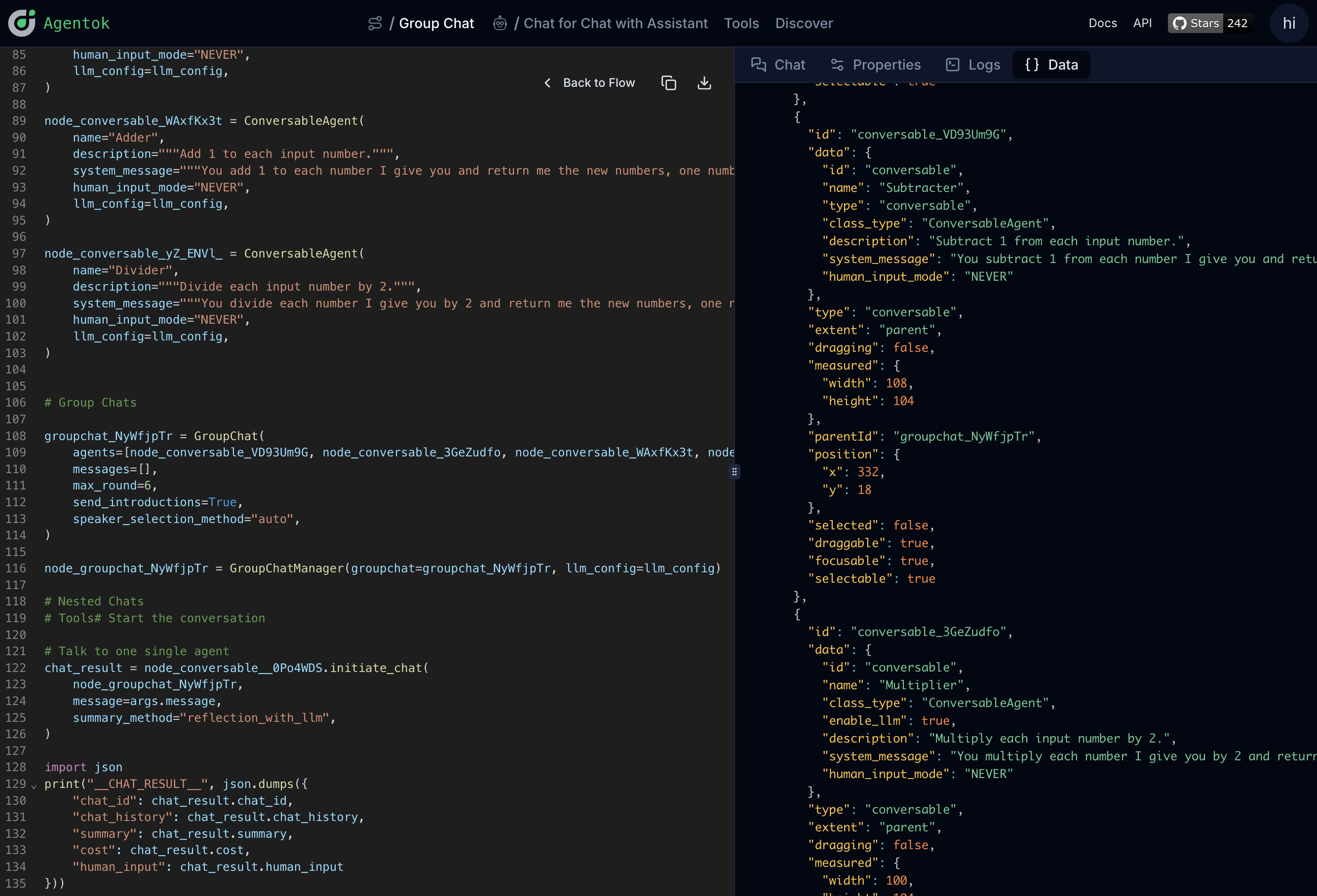
Copy or download the code and run it as a normal Python program on your machine.
Flow data (JSON)
The code view also exposes the underlying JSON representation of the workflow. Use this to:
- Debug unexpected codegen output
- Diff workflows between versions
- Understand how node settings serialize
Runtime logs
During a chat session, Agentok streams stdout and stderr from the AG2 runtime. Open the logs panel to see tool calls, code execution, and agent messages as they happen.
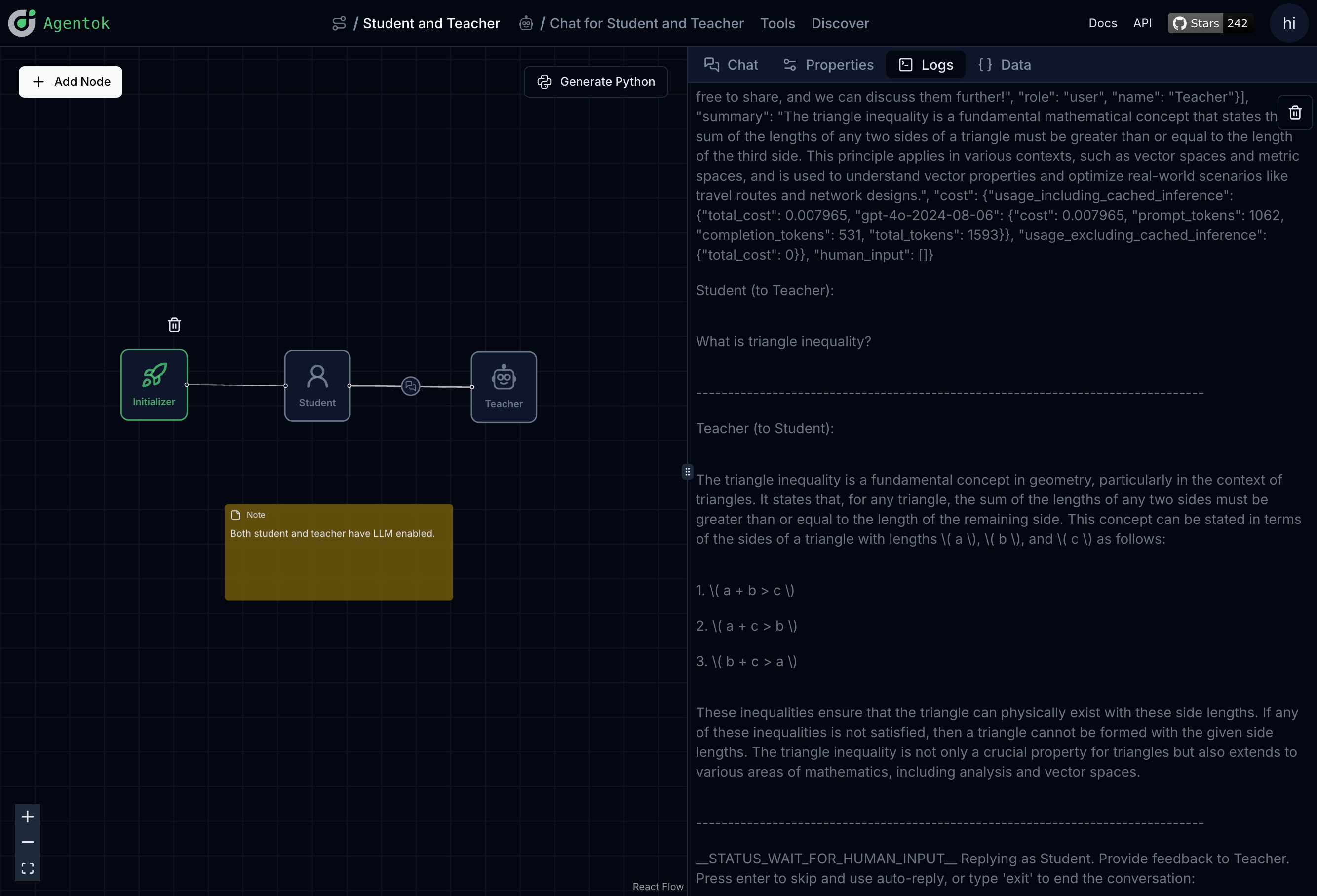
Logs are essential for understanding multi-step agent runs that take seconds or minutes to complete.
Standalone chat
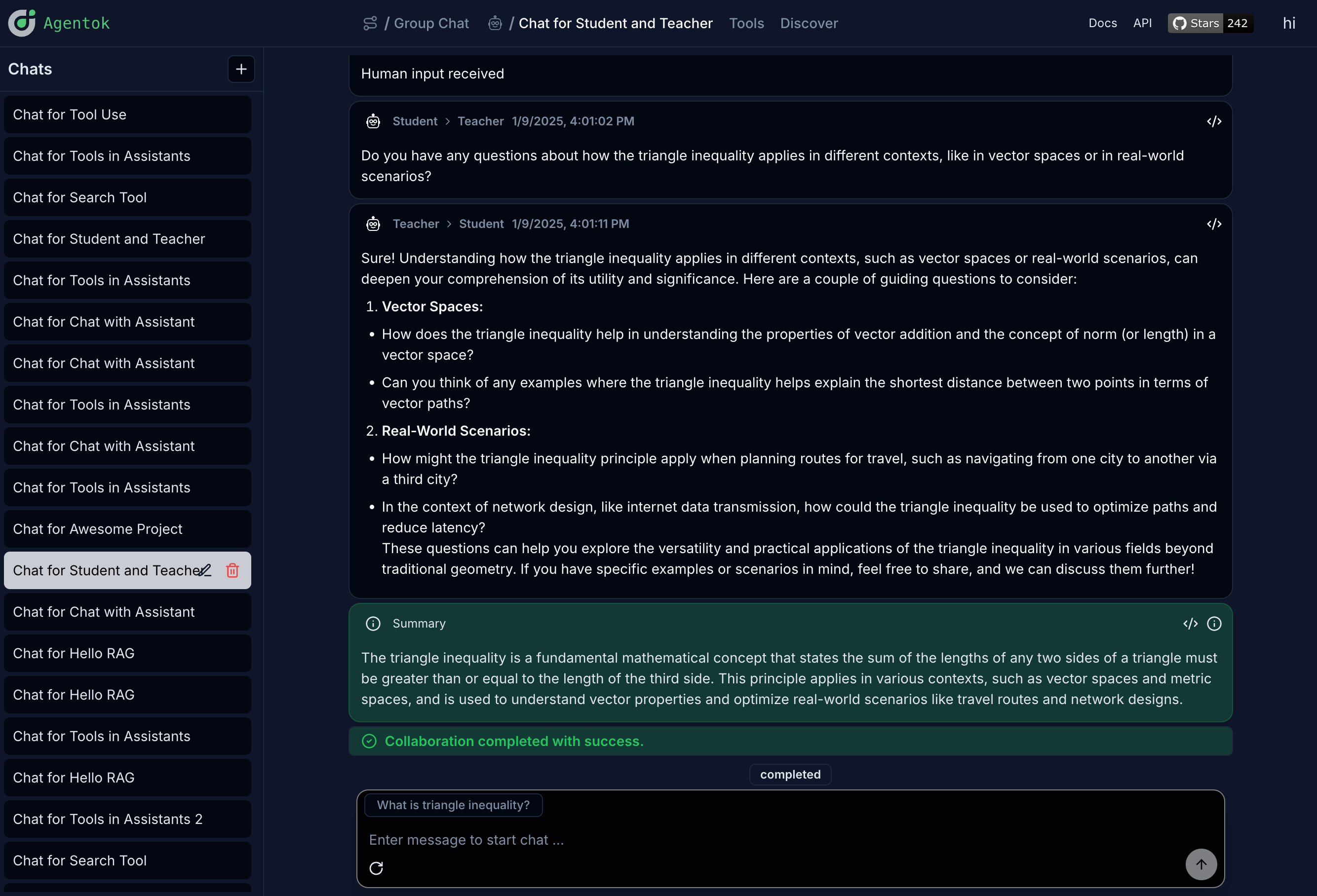
You can also run chats in a focused view without the full canvas open:
Properties inspector
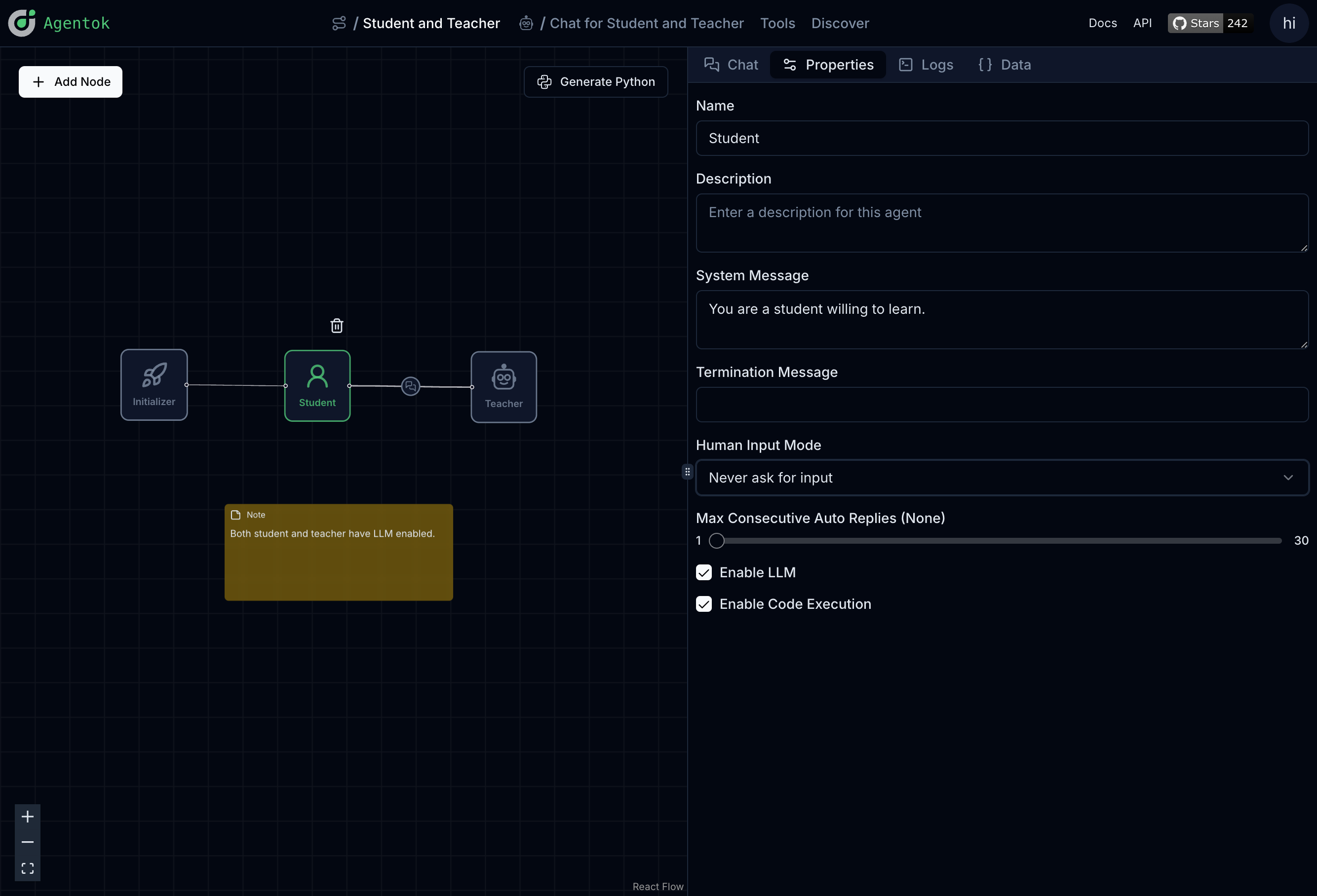
The property panel shows the full configuration of the selected node or edge — useful when comparing what you configured in the UI with what appears in generated code.
Next: Templates & Sharing