Templates & Sharing
Turn a finished workflow into a reusable template that others can discover, fork, or chat with directly.
Publishing a template
- Open Projects and find the workflow you want to share.
- Click Publish as Template on the project card.
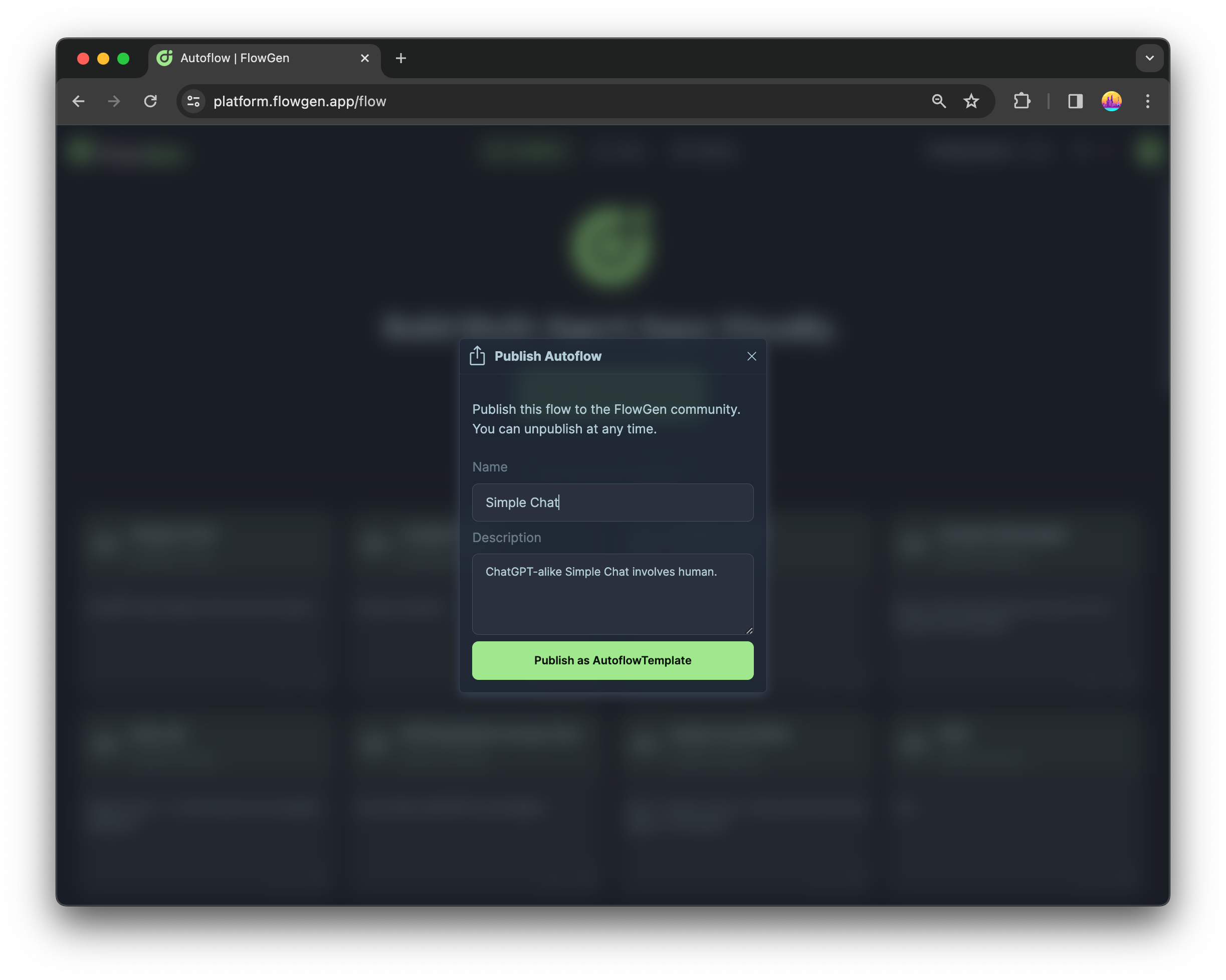
Published templates get a stable public URL you can share with teammates or the community.
Discover and fork
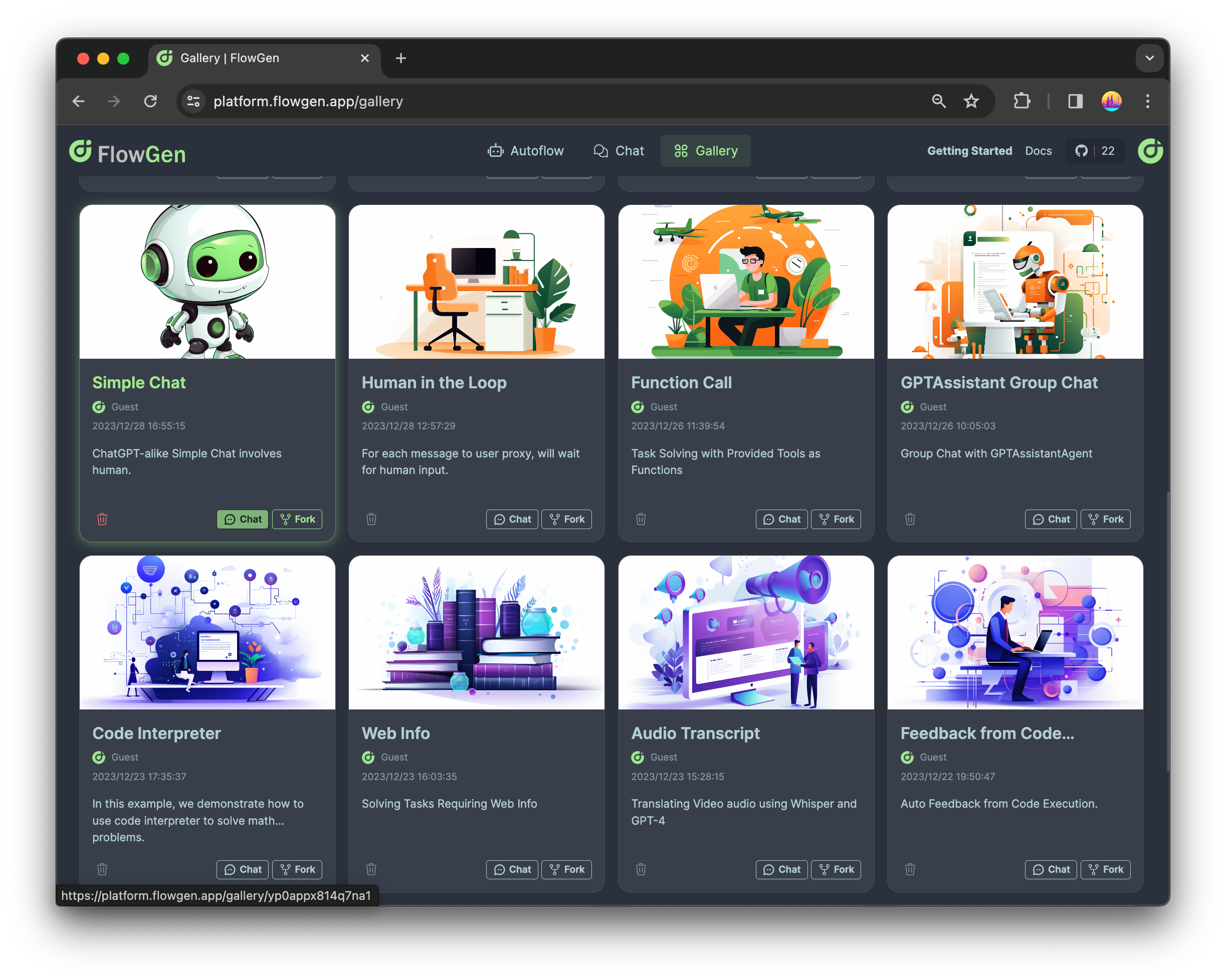
Browse published templates on the Discover page. From a template you can:
- Start a chat — run the workflow without editing it
- Fork — copy it into your projects and customize
Sample messages
Templates and workflows can define sample messages on the Initializer node. These appear above the chat input so users know how to start a conversation — especially helpful for shared templates where the first prompt is not obvious.
Use cases
- Share a reference implementation (planning agent, human-in-the-loop review, web research)
- Onboard new users with a pre-built canvas they can explore
- Let API consumers test a workflow before integrating via REST
See also: Getting Started — Publish as Template
Last updated on